

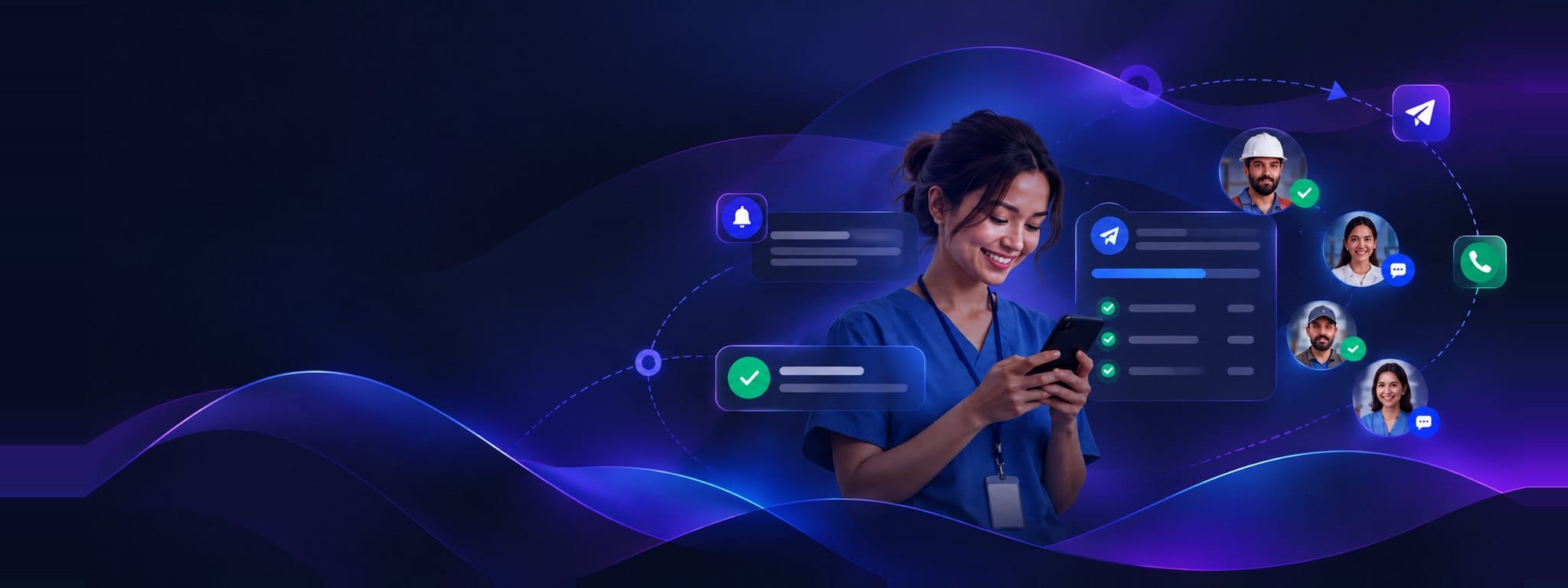
Fill shifts before the client rings a second time
An open shift is a broadcast problem: reach every eligible worker at once, and know who's in before you have to call the client back.
Concrete sends, not a feature list
What a staffing & recruitment team actually sends from NexBroad-Reach — and what the person on the other end sees.
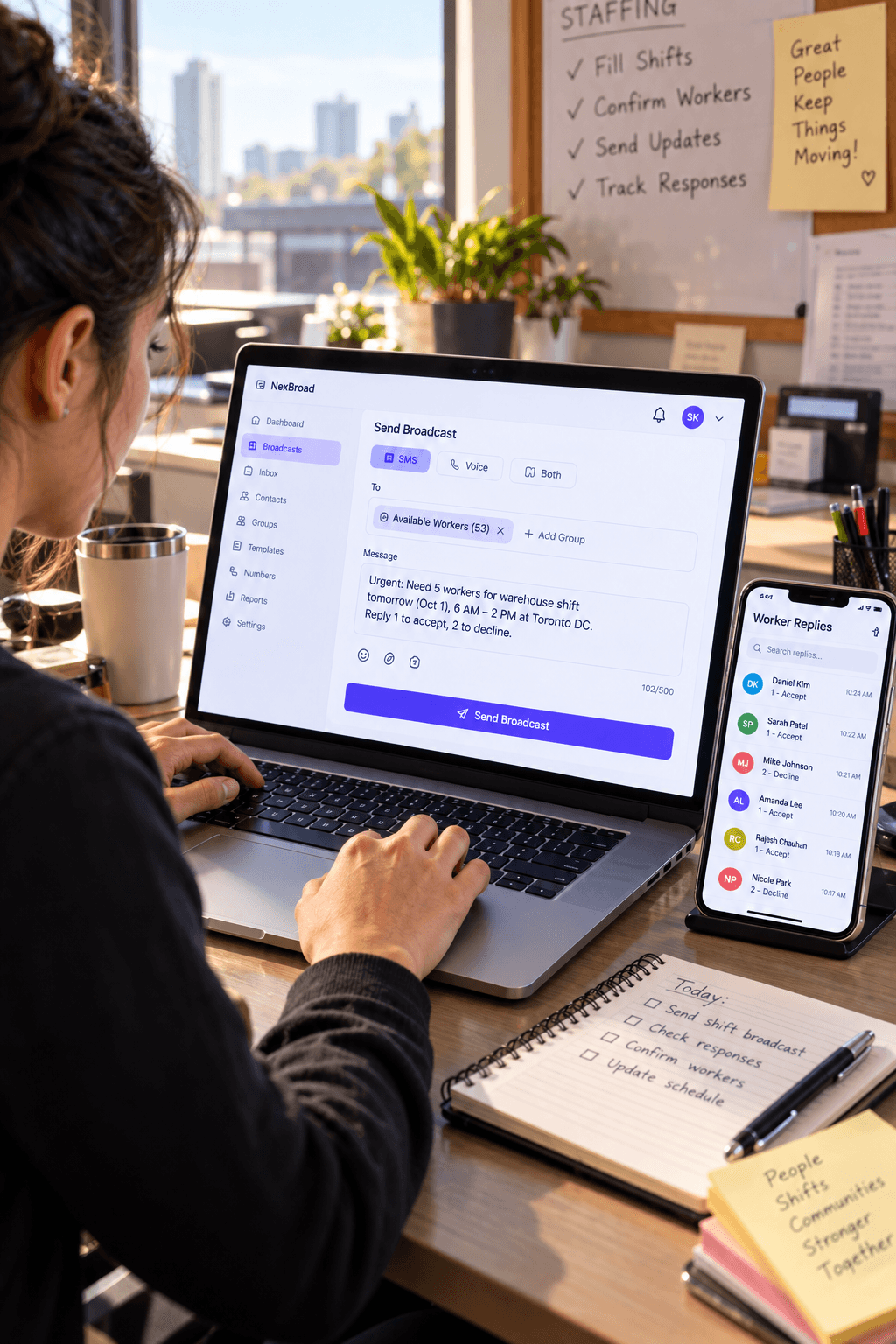
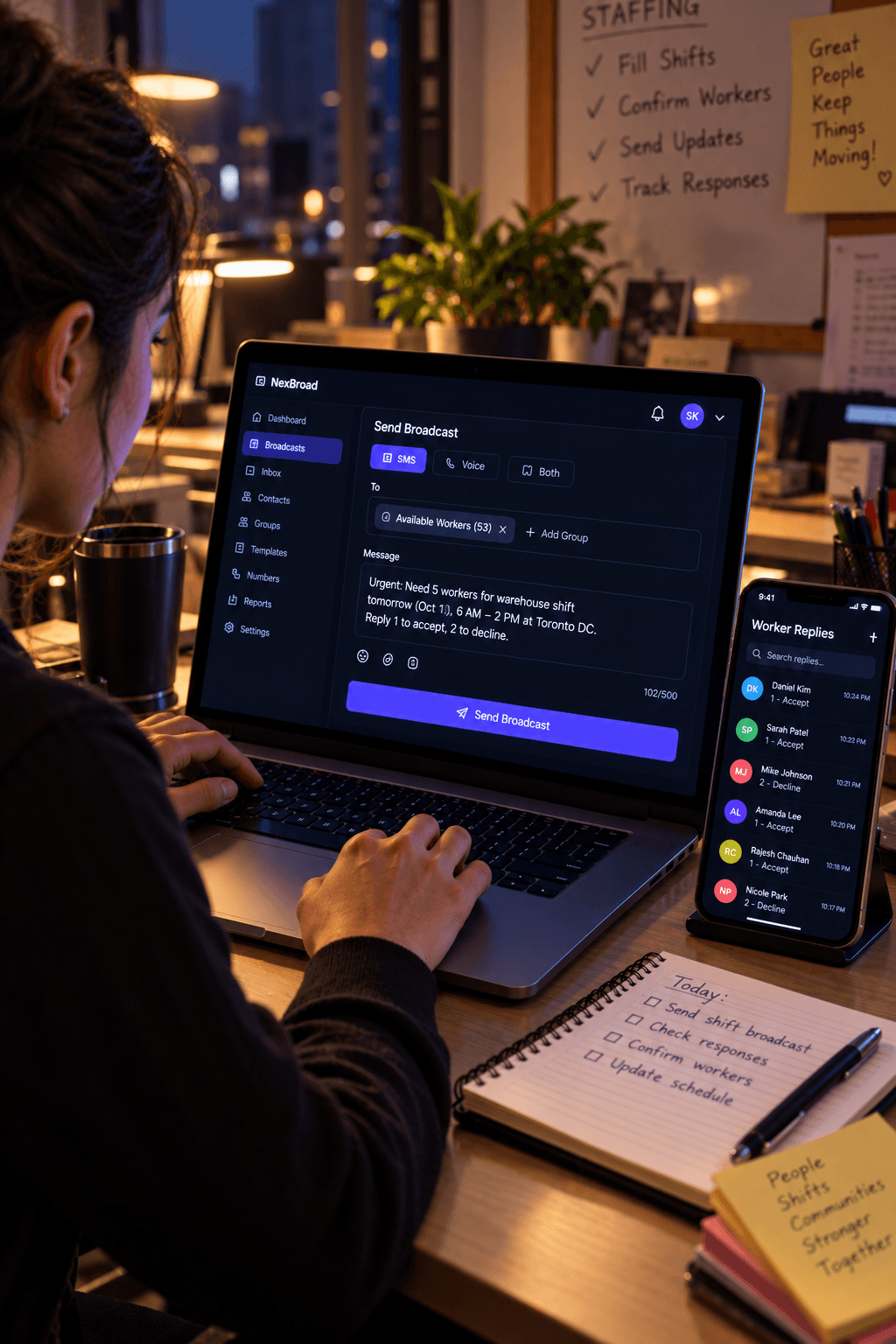
The broadcast goes out
Sent to the whole list at once, each recipient tracked on their own.
The recipient answers
A keypress on a call, or a text reply — whichever the message asked for.
It lands in one place
The reply reaches the shared inbox and the delivery report, so the team works from the same record.
- Shift-fill blasts
- Broadcast an open shift to a qualified worker list by SMS or an automated voice call. A voice blast can ask the worker to press 1 to accept and 2 to decline — the response comes back as a keypress, not a callback.
- Confirmation and no-show follow-up
- A confirmed worker gets an automatic reminder text ahead of the shift. Replies — confirming, cancelling, asking a question — land in the shared inbox instead of a recruiter's personal phone.
- Candidate outreach at volume
- Text a segmented candidate list about a new role in one send, with delivery status back per recipient so you know who received it before you follow up.
The parts of Reach this runs on
Voice broadcast with DTMF capture
Text-to-speech calls that collect a keypress response, built for exactly this accept/decline pattern — no separate IVR product to stitch in.
Shared inbox, one number
Every reply from every recipient lands in one team inbox, with STOP/START/HELP handled automatically and custom keyword rules layered on top.
Delivery reports per recipient
Sent, delivered and failed status for every send, so a shift blast's outcome is a report, not a guess about who saw it.
Every capability above is live
NexBroad-Reach is a running product, not a mockup — open the demo and send a broadcast against sample data yourself.
Open NexBroad-ReachWorkforce management
Schedule changes, policy updates, and shift coverage requests, sent once to everyone who needs them, with a delivery record instead of a group chat nobody reads.
Healthcare
Appointment reminders and scheduling messages sent by SMS or automated voice call, with replies landing in a shared inbox the front desk can work from together.
See it against your own use case
Tell us what you're sending and to whom — we'll show you where it fits in Reach, or tell you honestly if it doesn't.