


Web applications that are fast because of how they are built
A marketing site and an operations console are not the same problem, and building them the same way is how one of them ends up slow. We pick the rendering model per surface, then hold the line on payload, accessibility and the states nobody demos.
Concrete deliverables, not adjectives
- Operations consoles
- Dense, keyboard-friendly interfaces for people who use one screen all day: tables that hold thousands of rows, filters that survive a refresh, bulk actions with an undo path. Reach's contact and campaign screens are this kind of surface.
- Customer-facing applications
- The logged-in product: onboarding, settings, billing, notifications — the screens that decide whether someone renews, and the ones most often left until last.
- Marketing and content sites
- Server-rendered, indexed, and quick on a phone on a bad connection. This site is one: a Next.js App Router build with route-level code splitting and its heavy WebGL work deferred behind an intersection check.
- APIs and integrations
- REST services with versioned contracts, and the integration work that connects them to systems that were not designed to be connected to.
The parts a demo doesn't show
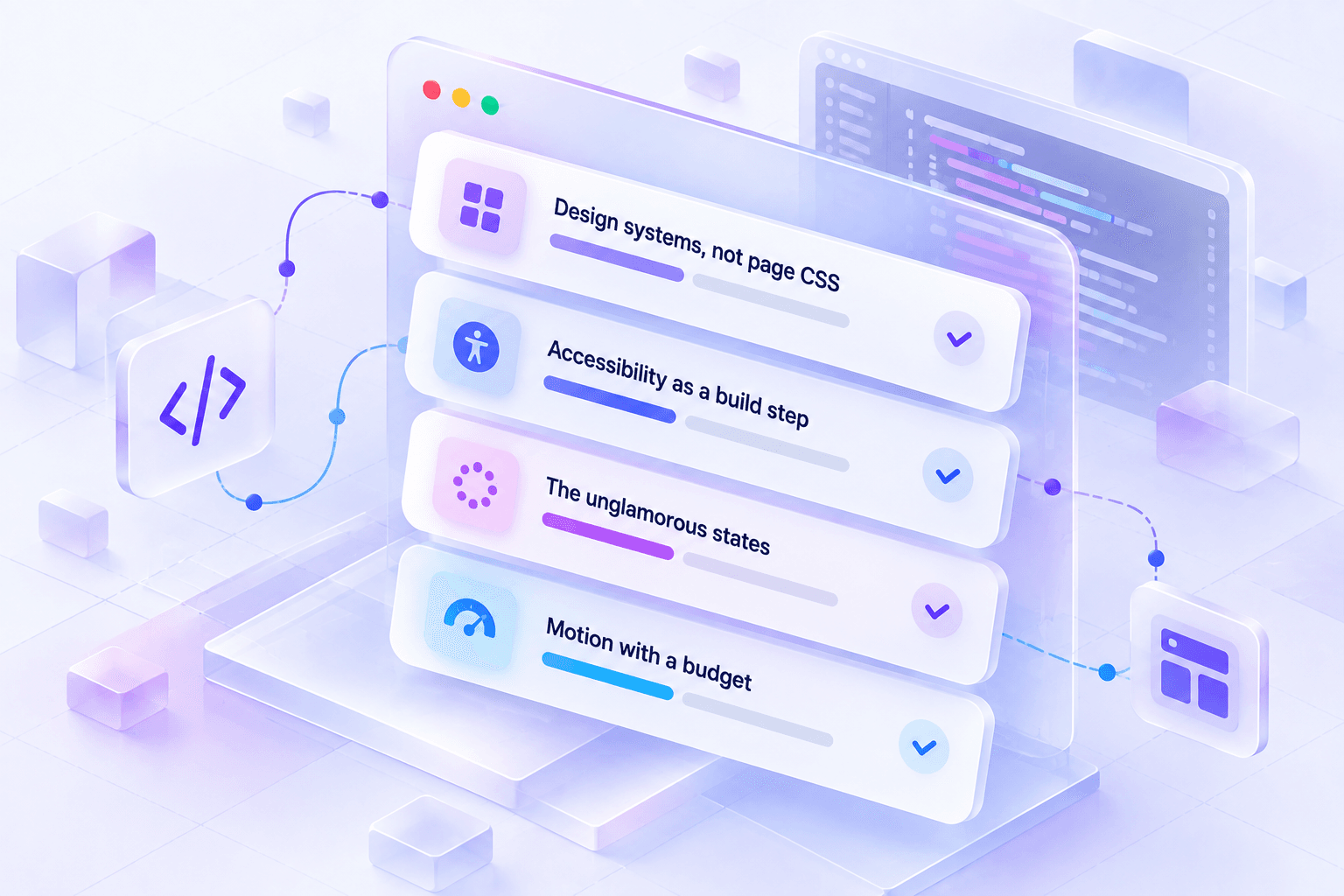
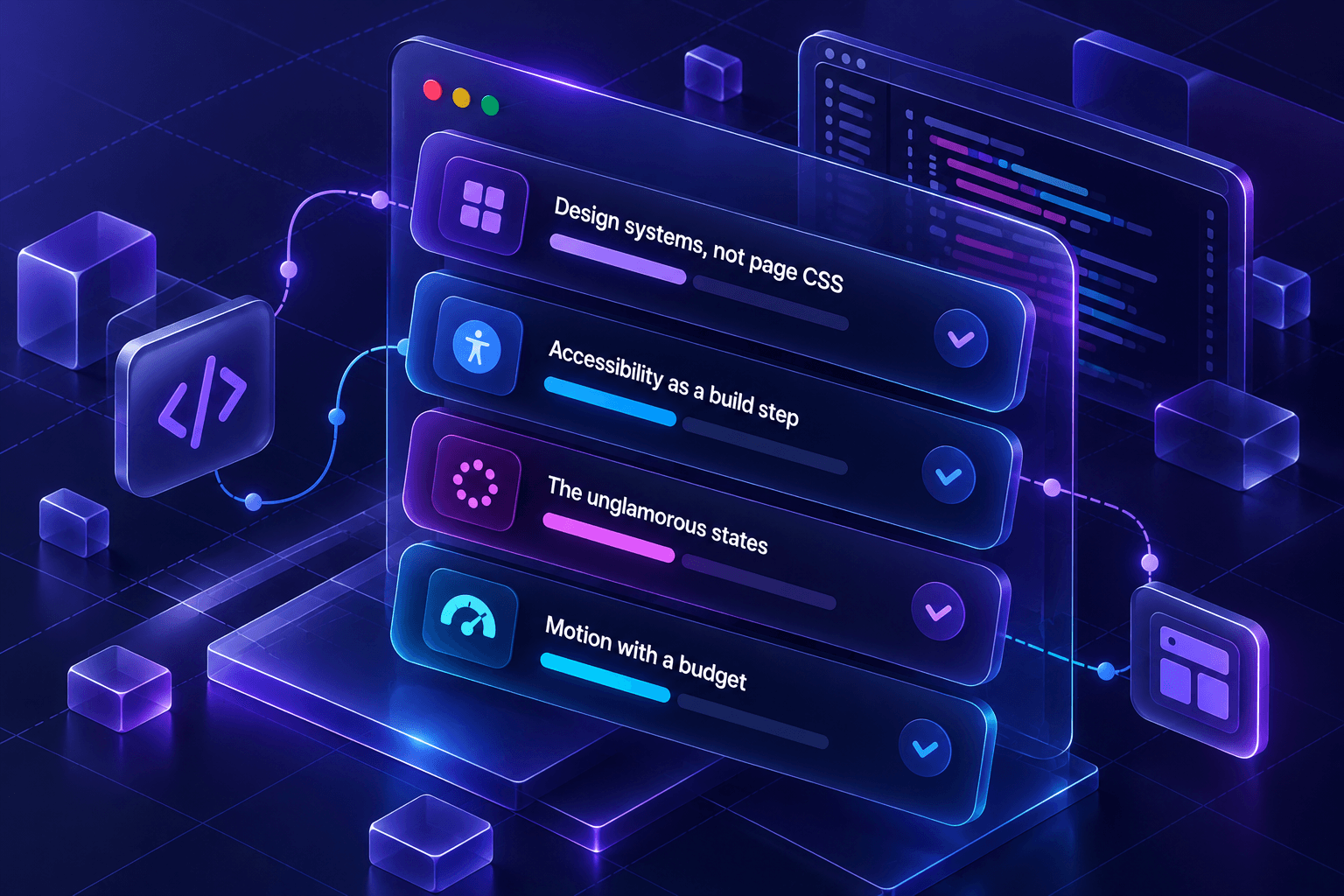
- Design systems, not page CSS
- Tokens for colour, spacing, radius, easing and duration, then a small set of primitives built on them. Every surface on this site draws from the same token file, which is why light and dark both work without a second stylesheet.
- Accessibility as a build step
- Semantic structure, a sane heading order, visible focus, labelled controls, and honoured reduced-motion preferences. Done while building; retrofitting it costs several times as much.
- The unglamorous states
- Empty, loading, partial, offline, permission-denied and error. A product is judged on these far more often than on its happy path.
- Motion with a budget
- Transform and opacity only, work suspended when a section is off screen, and everything cut when the operating system asks for reduced motion.
The order things actually happen in
Inventory the surfaces
List every screen and decide, per screen, what has to be server-rendered, what can be static, and what genuinely needs to be interactive. That decision drives the whole build.
Establish the system
Tokens, primitives, layout rules and the navigation shell — reviewed as a system before any individual page is designed, so the tenth page costs a fraction of the first.
Build page by page, state by state
Each page ships with its loading and error states and its responsive behaviour, not with a to-do note for them.
Measure, then trim
Bundle size, image weight and interaction latency checked against the build we started from. Shipping slower than we started is a regression, whatever else improved.
The stack, and why each piece is in it
- Frameworks
- React · Next.js App Router · AngularNext.js where routing, metadata and first paint are server concerns; React with Vite where the whole product is behind a login; Angular where a team already runs it and consistency is worth more than novelty.
- Styling
- Tailwind CSS · CSS custom properties · design tokensUtilities on top of a token layer, so a theme switch is a change of variable values rather than a second set of rules to maintain.
- State and data
- REST APIs · server components · WebSocketsFetch on the server when the page can be rendered with the data; open a socket only for surfaces where someone is watching a value change.
- Motion and graphics
- Motion · GSAP · three.jsUsed where they carry meaning — a product surface moving as you scroll — and confined to their own components so the rest of the bundle does not pay for them.
See it, don’t take our word for it
NexBroad-Reachis built by this team, on this stack, and it’s running live — open the product instead of a screenshot of it.
SaaS development
Most SaaS products are easy to demo and hard to operate. The parts that decide whether a product is still maintainable eighteen months in — tenancy, roles, billing, background work, audit — are the parts we build first, because retrofitting them is what stalls a product.
Mobile development
The phone in a warehouse, a van or a ward is not the phone in a demo. We build for intermittent connectivity first: local state that survives, sync that resolves conflicts, and a screen that still tells the truth when the bars run out.
Tell us what you want built
A short brief is enough to start — what you're trying to do, and roughly for whom. We'll tell you honestly whether it's a fit.