


Apps built for the worst network your users will be on
The phone in a warehouse, a van or a ward is not the phone in a demo. We build for intermittent connectivity first: local state that survives, sync that resolves conflicts, and a screen that still tells the truth when the bars run out.
Concrete deliverables, not adjectives
- Field and operations apps
- The app a driver, technician or floor supervisor actually holds: job lists, status updates, photo capture, signatures — usable one-handed, in gloves, in a hurry.
- Companion apps to a platform
- A mobile surface onto a product that already exists on the web, sharing its API and its permission model rather than forking either.
- Offline-first data layers
- A local store that is the app's source of truth, a sync engine that reconciles it against the server, and an explicit rule for what wins when both sides changed.
- Push and background work
- Notifications that respect the platform's delivery rules, and background sync that finishes the upload after the person has put the phone away.
The parts a demo doesn't show
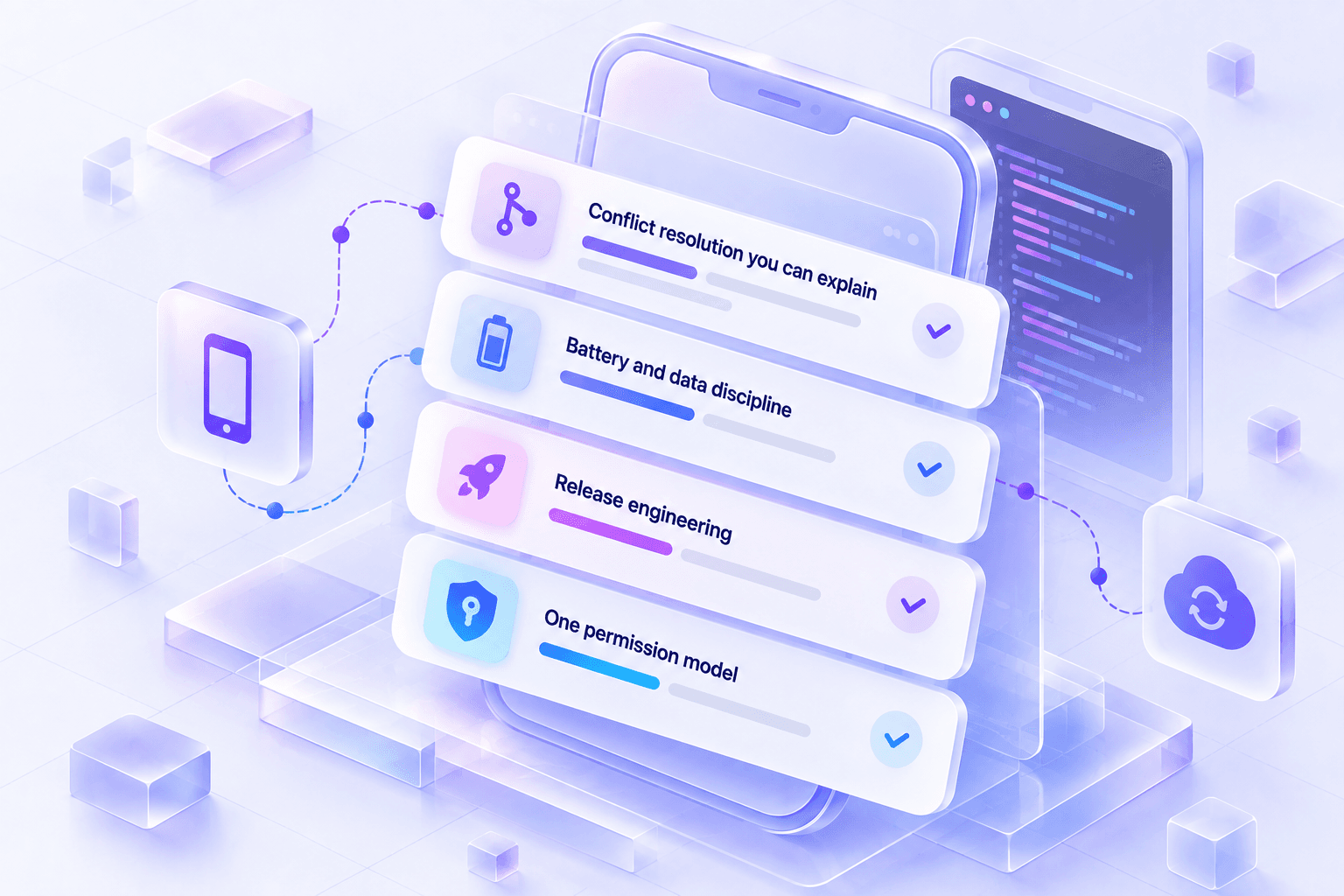
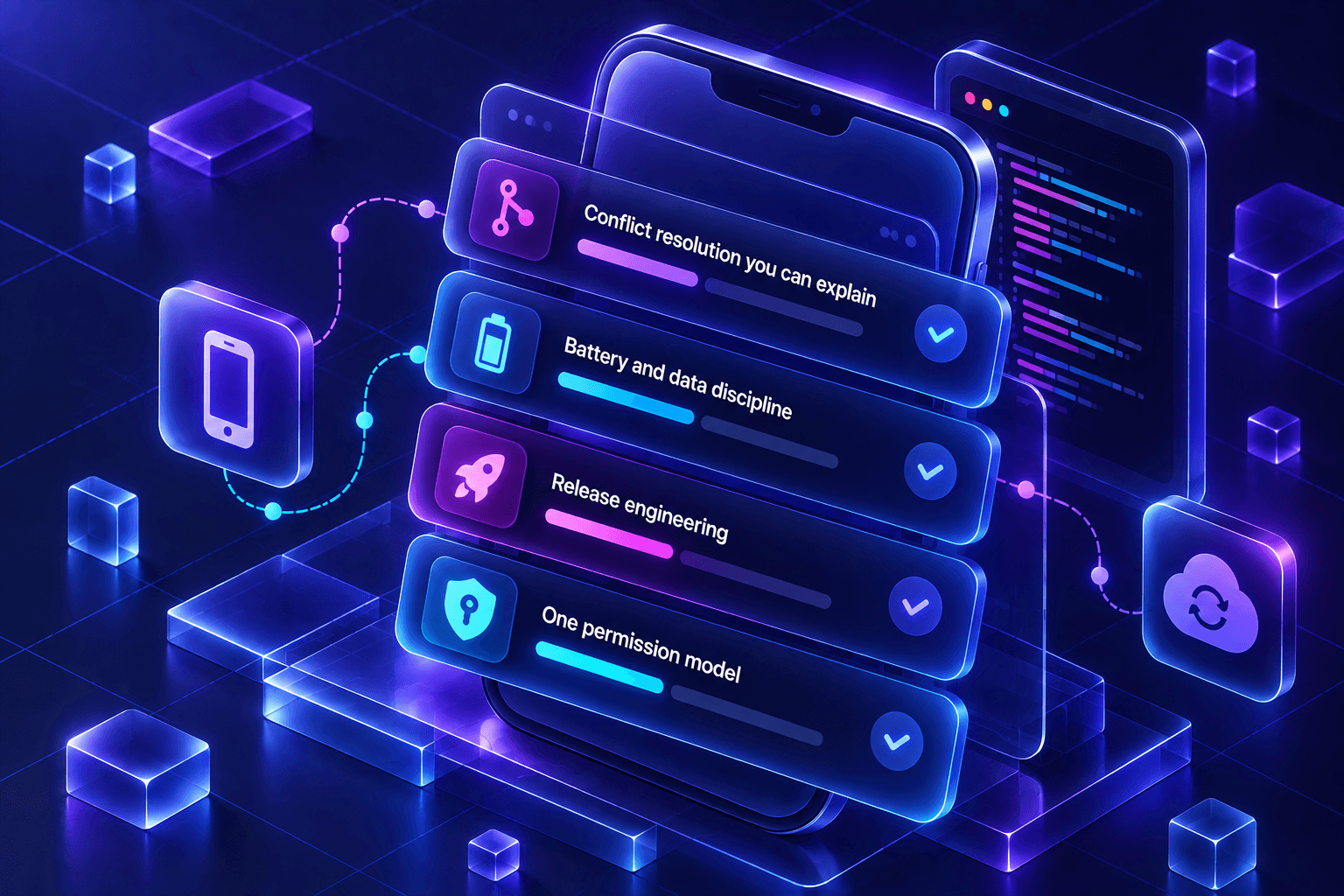
- Conflict resolution you can explain
- Last-write-wins is a decision, not a default. We pick the rule per entity and make it visible in the interface, so a supervisor can see why their edit was replaced.
- Battery and data discipline
- Batched sync, backoff on failure, and image compression before upload — because an app that drains a phone by lunchtime is uninstalled by Friday.
- Release engineering
- Signed builds from CI, staged rollouts, and crash reporting wired up before launch rather than after the first bad review.
- One permission model
- The mobile client authenticates against the same service and obeys the same roles as the web product. Two permission systems is one too many.
The order things actually happen in
Map the offline story
Which screens must work with no signal, which may degrade, which can simply refuse. Answering this first determines the data layer, and everything else follows from it.
Build the sync engine
Local store, queue of pending operations, reconciliation, and conflict rules — tested against a deliberately hostile network before a single feature screen is built on it.
Ship screens against real conditions
Throttled networks, cold starts, low-end hardware. A screen is finished when it behaves on the worst device in scope, not the best one.
Instrument and release
Crash and performance reporting, a staged rollout, and a plan for the first hotfix — which there always is.
The stack, and why each piece is in it
- Android
- Kotlin · Android SDK · JetpackNative where the app needs the platform properly: background execution, notification behaviour, hardware access, and predictable performance on cheap devices.
- Local data
- SQLite · structured local stores · queued mutationsA real database on the device, not a cache. Pending changes are rows, so a crash loses nothing and sync is resumable.
- Backend for mobile
- REST APIs · push services · AWS S3 uploadsEndpoints shaped for a client that may be hours behind: delta fetches, idempotent writes, and direct-to-storage uploads that do not tunnel large files through the API.
- Delivery
- CI pipelines · signed builds · staged rolloutStore releases as a repeatable pipeline rather than a laptop ritual, so the person who can ship a fix is whoever is available.
See it, don’t take our word for it
NexBroad-Reachis built by this team, on this stack, and it’s running live — open the product instead of a screenshot of it.
SaaS development
Most SaaS products are easy to demo and hard to operate. The parts that decide whether a product is still maintainable eighteen months in — tenancy, roles, billing, background work, audit — are the parts we build first, because retrofitting them is what stalls a product.
Web development
A marketing site and an operations console are not the same problem, and building them the same way is how one of them ends up slow. We pick the rendering model per surface, then hold the line on payload, accessibility and the states nobody demos.
Tell us what you want built
A short brief is enough to start — what you're trying to do, and roughly for whom. We'll tell you honestly whether it's a fit.